
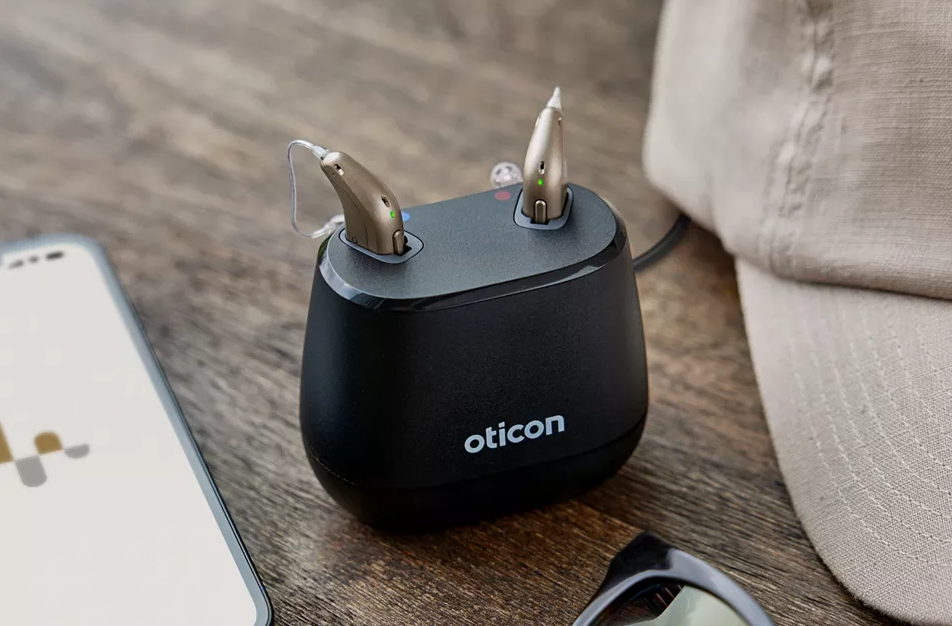
We fit hundreds of advanced hearing aids every year, but few generate as much excitement as the Oticon Intent. As Oticon’s flagship device, it delivers exceptional sound quality, brilliant connectivity and intelligent automation to help you hear confidently in even the most challenging environments.
If you have recently been fitted with Oticon Intent hearing aids, or you are considering upgrading, this guide will walk you through everything you need to know to get the very best out of them.

How is the Oticon Intent build?
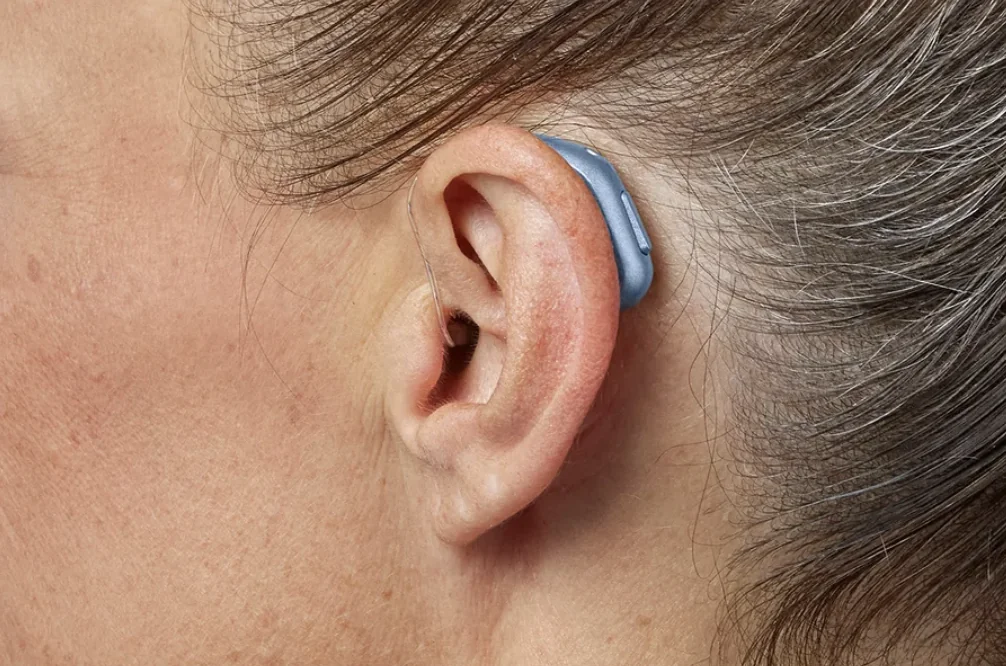
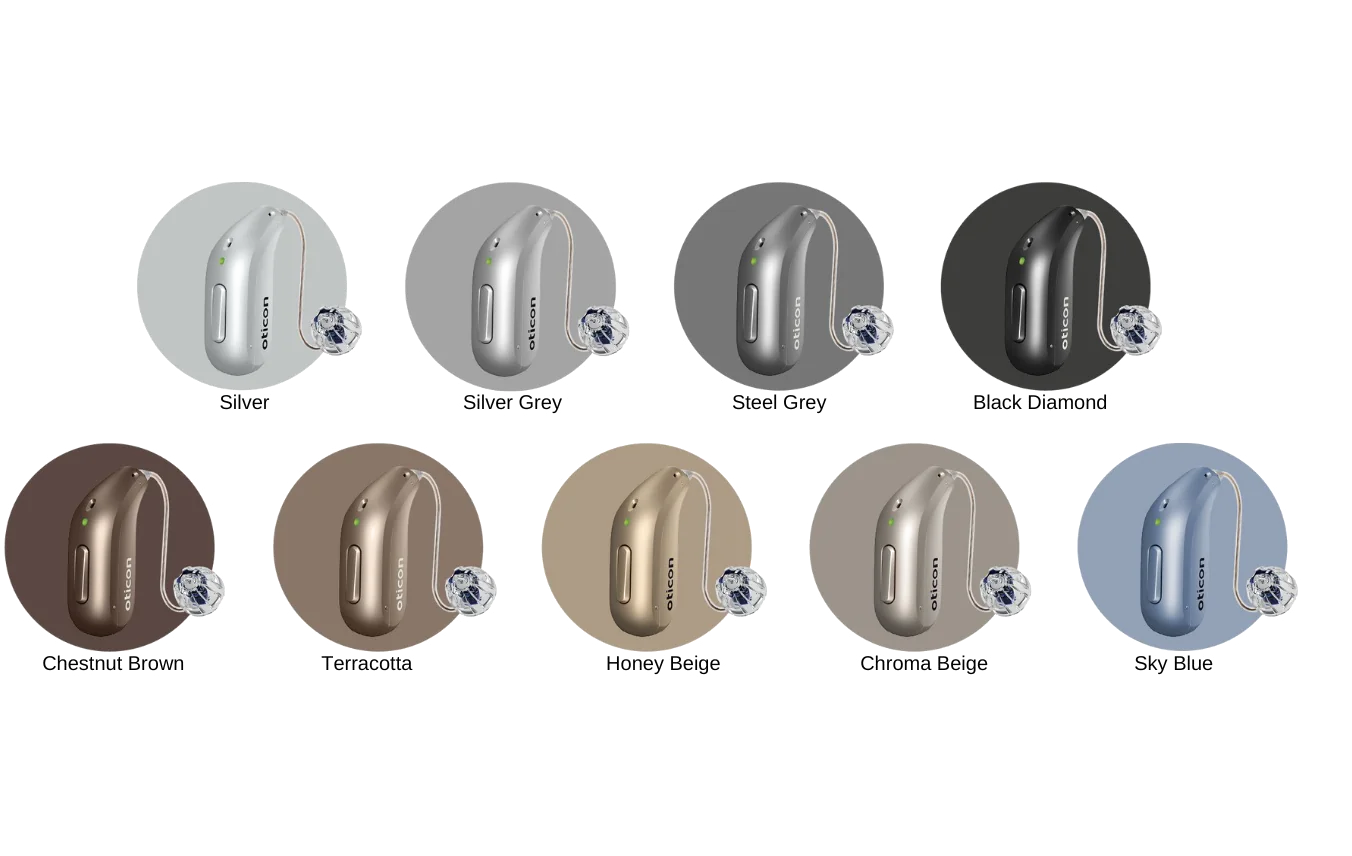
Your Oticon Intent hearing aid has several key parts that work together to deliver clear, natural sound.
Behind-the-ear unit
This is the main body of the device; you will notice three small openings on the top. These are the microphone ports, designed to pick up sound from multiple directions. It is important to keep these ports clean, as debris or dead skin can affect sound quality.
Programmable push button
Oticon Intent features a soft push button that your audiologist can customise for different functions. Typical default settings include:
- Short press on the right aid: increase volume for both ears.
- Short press on the left aid: decrease volume for both ears.
- Press and hold for three seconds: turn the device off.
- Press and hold again for two seconds: turn it back on.
The exact setup depends on how your audiologist programs it during your fitting.
LED indicator
Just above the push button sits a small LED light used to show charging and operational status. We explain these signals when discussing charging and battery life.
Colour markers
Inside the casing, you will see a red marker for your right ear and blue for your left.
Receiver wire and earpiece
The slim wire leading to your ear houses the receiver. The tip may be fitted with:
- A dome
- A grip tip
- A light tip
- A custom micro-mould
Your audiologist selects the most appropriate option based on your hearing loss and ear anatomy.
Retention lock
A retention lock, sometimes known as a sports lock, helps secure the receiver in your ear canal. At Harley Street Hearing we strongly recommend using one, as it dramatically reduces the chance of losing your hearing aid.
Oticon Intent battery: Charging, battery life and turning it off
Before using your hearing aids for the first time, we recommend charging them for around two hours, which provides a full day of use. Most patients receive their aids pre-charged, so your first day should be care-free.
How to charge your Oticon hearing aid
- Place the left hearing aid in the left slot of the charger, and the right in the right slot.
- A flashing light indicates charging.
- A solid green light means fully charged.
You can safely leave your hearing aids in the charger overnight. Intelligent circuitry prevents overcharging.
Battery life and low-battery warnings
Oticon Intent hearing aids provide up to 20 hours of listening per charge. If your battery begins to run low, you will hear three alternating tones. Later, four descending tones indicate that the battery is about to shut down.
If the aids are not in your ears, a fast orange LED blink confirms the low-battery state.
Once the first warning plays, you typically have:
- Around two hours of general listening, or
- Around one hour of streaming
Turning your hearing aids on and off
Your Oticon Intent hearing aid switches on and off automatically when placed in or removed from the charger. You can also operate them manually using the push button:
- Hold for three seconds to switch off (orange light)
- Hold for two seconds to switch on (green light)
If inserted quickly, you may hear the familiar Oticon start-up jingle.
Understanding and using the push button features
Your push button can be programmed for:
- Volume changes
- Programme changes
- Turning the devices on or off
- Answering or declining calls
- Or doing nothing at all, if you prefer simplicity
Speak to one of our expert audiologists about which setup suits your lifestyle best.
How to answer phone calls through your hearing aids
Like many modern wireless earbuds, Oticon Intent allows you to answer calls directly through your hearing aids.
You can double tap your ear or press the push button. Holding the button will decline or hang up a call.
How to pair the Oticon Intent with your phone (iPhone & Android)
Pairing opens up two powerful features:
- Control your settings via the Oticon Companion app.
- Stream phone calls, radio, podcasts and music directly to your hearing aids.
How to pair your hearing aid
- Open Settings on your phone.
- Navigate to Accessibility then Hearing Devices.
- Place your hearing aids in the charger and remove them to trigger pairing mode.
- Your devices will appear at the top of your phone screen. Tap to pair.
- Download the Oticon Companion app from the App Store or Google Play.
This app also enables remote fine-tuning, meaning your Harley Street Hearing audiologist can adjust your settings while you relax at home.
Using flight mode with your Oticon
To disable Bluetooth on flights, press and hold the push button for around seven seconds. You will hear descending tones confirming that flight mode is active.
Your hearing aids will still function normally for amplification, just without connectivity.
Cleaning and maintaining your Oticon Intent hearing aid
Hearing aids operate in a warm, waxy environment, so routine care is essential for best performance.
Daily care and cleaning
Wipe your devices with a lint-free cloth and visually check for wax buildup.
Replacing the wax filter
If your sound becomes muffled, it is often due to a blocked wax filter. We recommend replacing it every four to six weeks:
- Remove the silicone tip.
- Use the supplied tool to remove the old filter.
- Insert the new filter.
- Replace the tip securely.
Cleaning the microphone port
Use a small brush to gently remove any debris from the microphone openings. This prevents performance issues.
Water and dust resistance
Oticon Intent is IP68 rated, meaning it can technically survive temporary submersion. However, we strongly advise:
- Avoid swimming with hearing aids
- Avoid showers with hearing aids
- Light rain is absolutely fine
Getting the best experience with Oticon Intent
This guide covers the essentials to get you up and running with your new Oticon Intent hearing aid. This device includes many more advanced features that we would be delighted to demonstrate during your fitting or follow-up appointments.
If you have any questions or would like further support, the team at Harley Street Hearing, London’s foremost independent hearing clinic, is always here to help. Follow this link to get in touch with our specialist team.
Whether you need technical guidance, fine-tuning or advice on connectivity, our audiologists will ensure your Oticon Intent hearing aids work brilliantly for your lifestyle.
Want to watch Matthew Allsop talk about the Oticon Intent? Here’s his video below:
Enjoy this article? You might be interested in some of our others: